






If you recently had a password change and are now unable to log into Cadient Talent, here are a few things to check:
Autofill Password Setting in the browser:
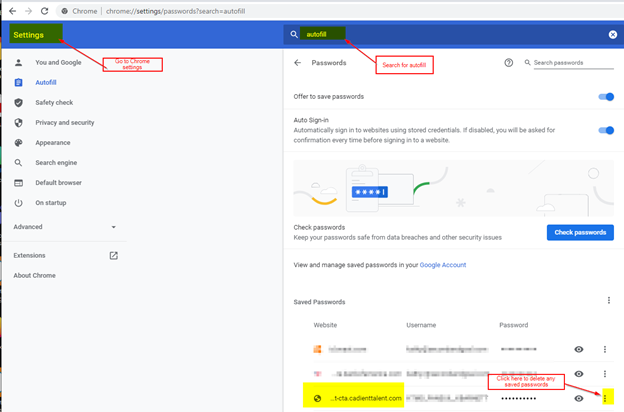
In Chrome, put this in the browser address bar: chrome://settings/passwords?search=autofill
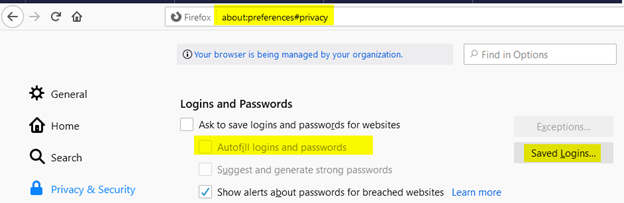
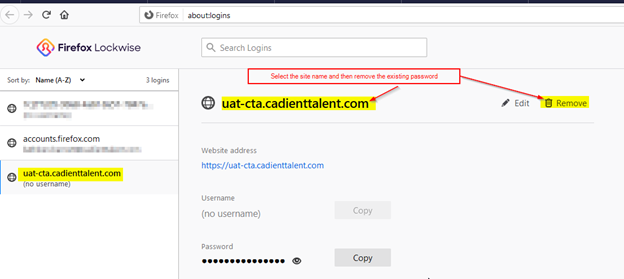
In Firefox, put this into the browser address bar: about:preferences#privacy
In MS Edge, put this in the browser’s address bar: edge://settings/passwords:
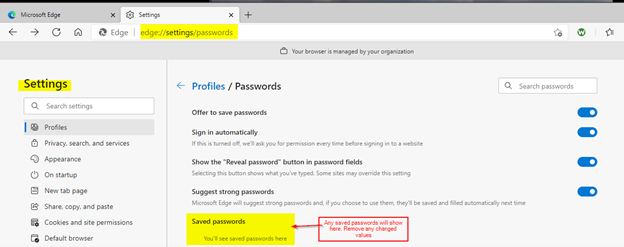
Once the saved password values are removed, close the existing browser session and open a new session. This is to ensure that the browser is not using any cached data.
If you still are not able to log into the site, check the following:
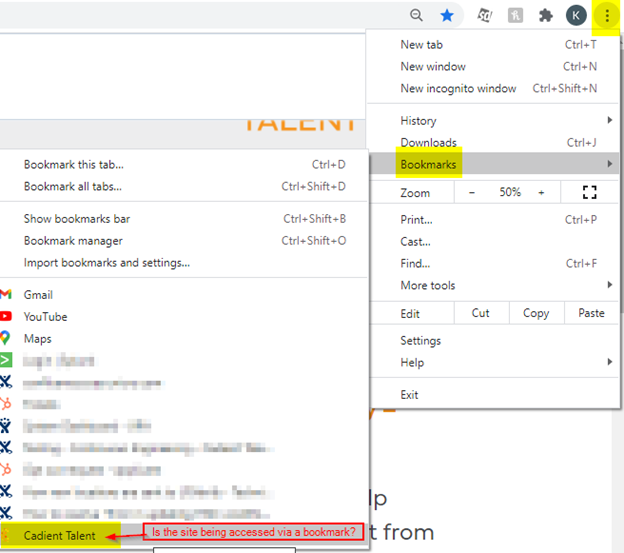
Are you using a saved bookmark in your browser? If so, try using a direct URL to the site rather than the icon on the desktop. The site’s address may have changed.
Try typing the URL into a new browser session:
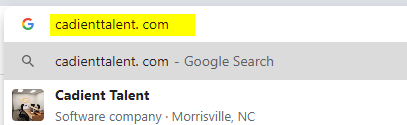
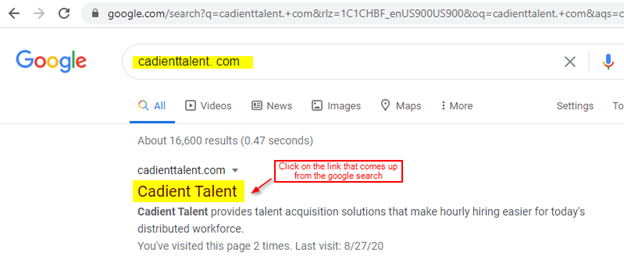
You could also try googling the website and then selecting it from the results: