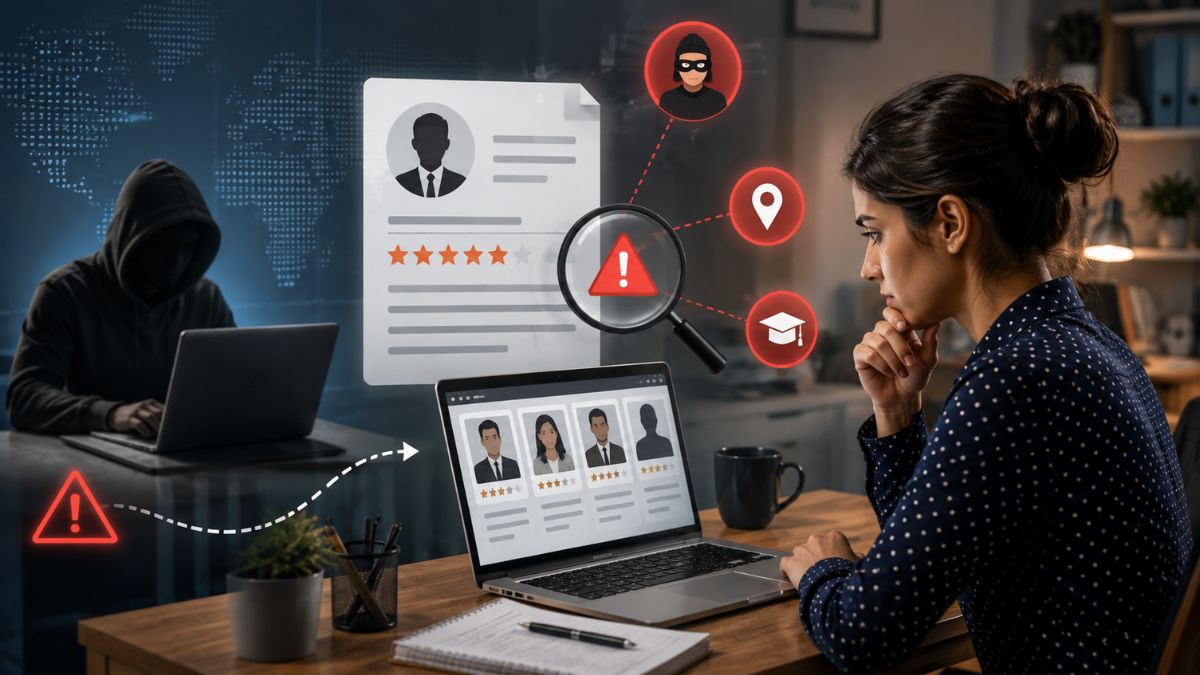







When you Google a job applicant, you’re not just satisfying curiosity—you’re walking a legal tightrope. Understanding whether it’s legal to research candidates online can save you from costly lawsuits and protect your brand. Below you’ll find the rules, the risks, and a practical workflow that keeps you on the right side of the law.
What Counts as Online Research
Online research covers everything from scanning a LinkedIn profile to digging through public court records. It also includes checking Instagram, Twitter, Facebook, and any other digital footprint a candidate leaves behind. Even a simple Google search counts as “internet research hiring laws” territory.
Why Recruiters Care About Legality
Imagine you pass over a qualified applicant because of a photo you saw on Instagram. That decision could trigger an EEEEOC claim if the reason is linked to a protected class. Or you might violate the Fair Credit Reporting Act (FCRA) by pulling a consumer report without consent. These scenarios aren’t hypothetical—they happen every day.
Federal Landscape
EEOC Guidance on Discrimination Risk
The EEOC warns that social media screening can unintentionally expose employers to bias. If you see a candidate’s religious affiliation, marital status, or disability, you risk a discrimination claim. The agency advises using consistent criteria and documenting every step.
FCRA and Consumer Reports
The Fair Credit Reporting Act governs background checks that qualify as consumer reports. A simple Google search isn’t a consumer report, but pulling a criminal record database definitely is. You must get written consent, provide a pre‑adverse notice, and let the candidate dispute any errors.
State‑Specific Rules That Matter
California
California’s “online privacy” statutes make it illegal to access a candidate’s private social media if you have to log in or bypass privacy settings. Even requesting a password can be a violation. The state also requires a clear, written “screening consent” before any background check.
New York
New York’s “ban the box” law prohibits asking about criminal history on an initial application. While it doesn’t ban all online research, it forces you to defer any criminal‑record inquiry until after a conditional offer.
Illinois
Illinois’ Biometric Information Privacy Act (BIPA) can bite you if you use facial‑recognition tools on a candidate’s public photos without consent. The law also imposes hefty statutory damages—up to $5,000 per violation.
What’s Always Permissible
- Publicly posted professional profiles (LinkedIn, personal websites)
- News articles, press releases, or conference presentations
- Government‑issued public records (e.g., professional licenses)
If the information is freely available without a login or a privacy gate, you’re generally safe. Still, treat it with the same caution you’d give any other hiring data.
What’s Off‑Limits
- Private Facebook posts or Instagram stories behind a “friends only” filter
- Content accessed by creating a fake profile or password sharing
- Any data that reveals protected characteristics unless it’s directly job‑related
Crossing this line can trigger a claim for invasion of privacy, discrimination, or a breach of state privacy statutes.
Getting Candidate Consent When Required
Consent isn’t just a formality—it’s a legal shield. When you need a consumer report, send a clear, concise “pre‑adverse notice” that explains what you’re checking and why. Then, follow up with a copy of the report and a chance to dispute it. Employers should also understand FCRA adverse action and consent requirements to ensure every background screening decision follows the proper notification and dispute process before taking adverse action.
Documentation and Consistency
Picture this: you’re audited and the regulator asks, “Did you treat every applicant the same?” Your answer should be a tidy spreadsheet, not a memory. Keep logs of the URLs you visited, the date of each check, and the purpose behind it. A consistent policy protects you from selective‑use accusations. Maintaining consistent records also makes documenting rejection reasons for EEOC defense much easier if an employment decision is ever challenged or audited.
Sample Documentation Template
Below is a quick template you can copy into your ATS:
Candidate Name: ______________________
Date of Online Search: _______________
Source(s) Checked: ___________________
Key Findings (relevant to role): _____
Decision Impact: ____________________
Reviewer Initials: ___________________
Dos and Don'ts
| Dos | Don'ts |
| Use a consistent set of criteria for every applicant. | Access private social media accounts without explicit permission. |
| Document the date, source, and relevance of each finding. | Rely on information that reveals protected characteristics. |
| Obtain written consent before pulling a consumer report. | Skip the pre‑adverse notice when you plan to reject based on a report. |
| Train hiring managers on EEOC and FCRA basics. | Assume “publicly posted” means “publicly usable” without verification. |
| Review state‑specific statutes annually. | Use AI tools that scrape private data without disclosure. |
Step‑by‑Step Workflow for a Compliant Search
- Define the Job‑Related Criteria – List the skills, certifications, and experience needed.
- Choose Permissible Sources – Stick to LinkedIn, the company website, and public records.
- Document the Search – Fill out the template above before you start.
- Check for Protected Information – If you see anything about age, race, religion, etc., whitelist it and move on.
- Obtain Consent if Needed – For any consumer report, send the consent form and keep the receipt.
- Review Findings With a Panel – Have at least two reviewers sign off to avoid bias.
- Archive the Record – Store the completed template for at least 2 years as required by most state laws.
Emerging Trends and Future Legal Considerations
AI‑driven screening tools like SmartScore™ are the next frontier. These platforms crawl the web, analyze tone, and flag potential risks. While they promise speed, they also raise new privacy flags. The upcoming federal “AI in Hiring Act” (still draft) may require explicit disclosure when you use algorithmic decisions.
In the meantime, treat AI outputs as a supplement—not a substitution—for human judgment. Organizations should also align AI-assisted evaluations with EEOC compliant interview and screening processes to ensure hiring decisions remain consistent, objective, and free from unlawful bias. Always verify that the data source is public, and keep a human in the loop for any decision that could affect a candidate’s livelihood.
Frequently Asked Questions
Is it legal to Google a candidate’s name?
Yes, a basic Google search of publicly available information is generally permissible. However, you must skip any private pages or content behind a login.
Do I need consent to view a LinkedIn profile?
No, LinkedIn is a public professional network. Still, you should avoid using any non‑professional data that could reveal protected traits.
Can I use a criminal background check before an interview?
Only if you have a clear, written consent and you’re complying with state “ban the box” rules. Most states require you to wait until after a conditional offer.
What if I accidentally see a protected characteristic?
Document it, but do not let it influence your hiring decision. Have a second reviewer confirm the final assessment.
How does SmartShield help with compliance?
Tools like SmartShield™ automate consent collection, generate audit‑ready reports, and flag any non‑compliant data points in real time. It’s a one‑stop solution for staying ahead of EEOC and FCRA requirements.
SmartShield – Your Compliance Partner
Ready to make sure you’re never caught off guard? SmartShield offers a secure, cloud‑based platform that integrates with your ATS, tracks every click, and produces a full audit trail. Sign up for a free trial and see how easy compliant pre‑employment online research legal can be.
Key Takeaways
Knowing when it’s legal to research candidates online is less about tech tricks and more about policy, consent, and documentation. Stick to public sources, get consent for consumer reports, and keep a paper trail. Follow state‑specific rules, train your team, and use tools like SmartShield to stay in the clear. By treating online research as a structured, compliant process, you protect your organization and give every candidate a fair shot.