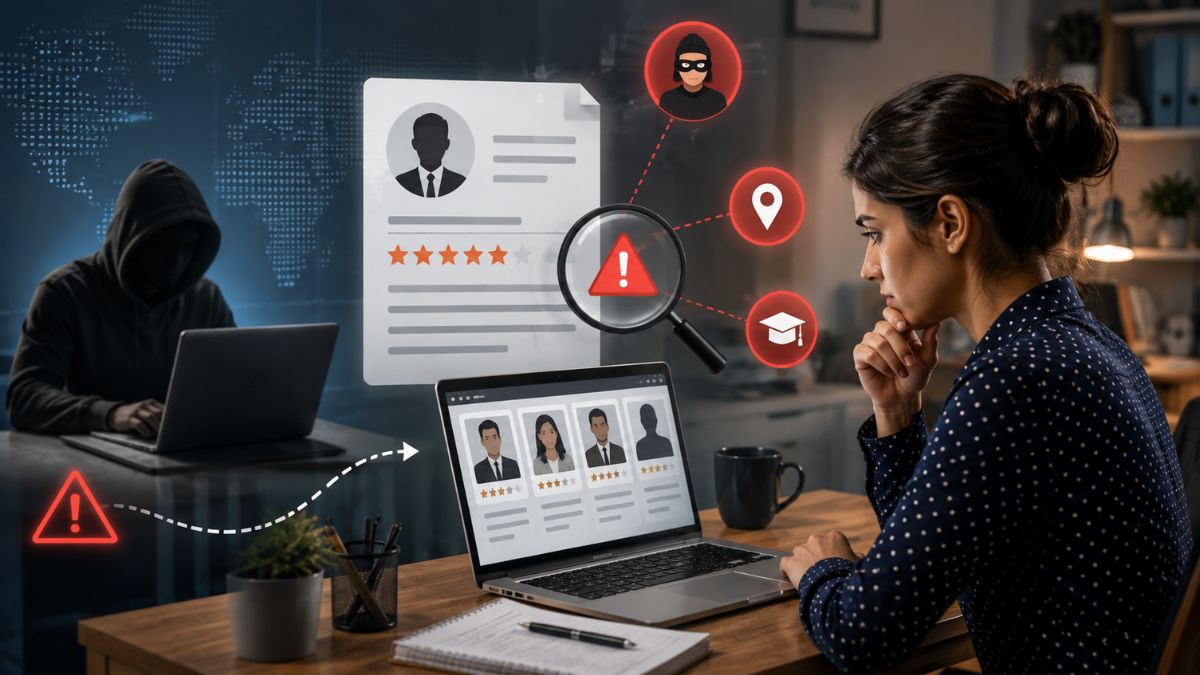

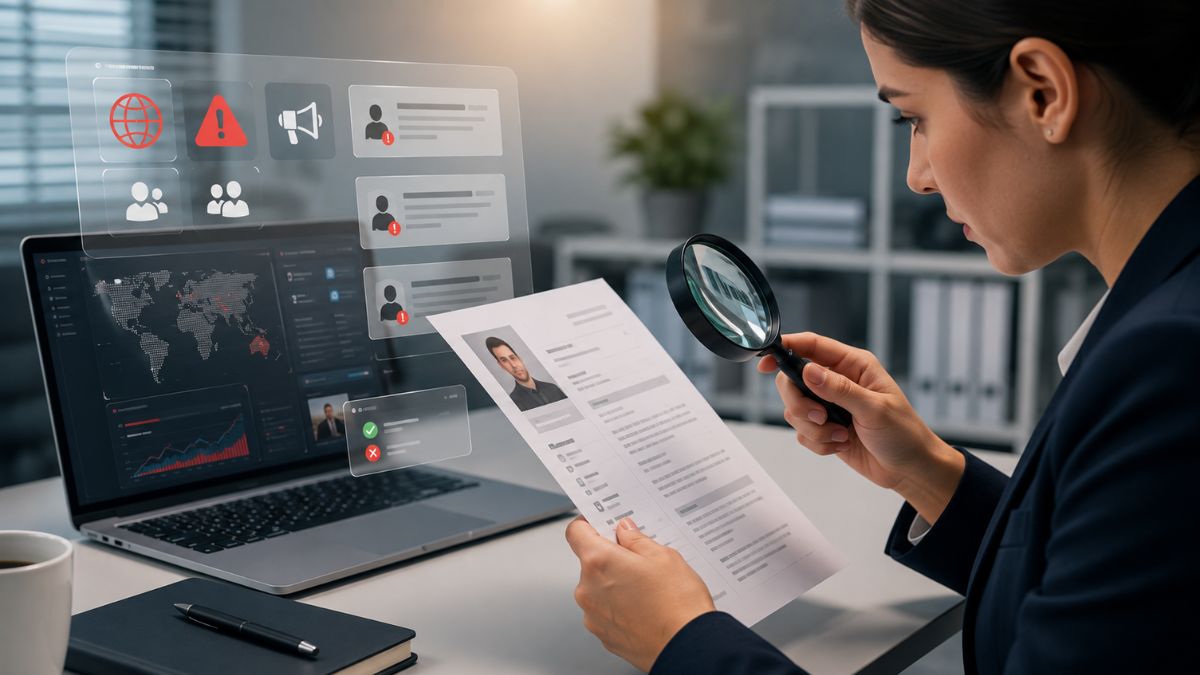





When you’re hunting for top talent, the last thing you want is a surprise that lands your firm in hot water. That’s why adverse media screening recruiter tools have become a quiet hero in the hiring playbook. In the first 100 words I’ll break down the what, why, and when, so you can protect your brand without tripping up on employment law.
Definition of Adverse Media Screening
Adverse media screening is a quick‑look check that pulls any negative press, legal filings, or regulatory alerts linked to a candidate’s name. Think of it as a safety net that catches headlines before your onboarding team does. It’s not a deep‑dive background check, but it flags red flags that could turn a promising hire into a liability. Before starting a search, recruiters should understand public records in hiring - what is available and which sources are appropriate to use for employment decisions.
Sources of Adverse Media Information
Every screen draws from three main wells of data. The quality of the source often decides whether you get a false alarm or a real concern.
Court Records
These are public filings that detail civil lawsuits, criminal convictions, and restraining orders. A simple court docket can reveal a fraud conviction that wasn’t mentioned on a résumé. In our experience, about 12% of high‑risk roles uncover a relevant court record during the first round of screening.
News Archives
Online news databases archive stories from local papers to major outlets. A negative news candidate screen can expose involvement in a data breach or an unethical business practice. Even a single paragraph in a regional newspaper can have major implications for a fintech firm.
Watchlists
Government and industry watchlists flag individuals tied to sanctions, terrorism, or fraud schemes. A watchlist check hiring is often mandatory for positions that handle money or sensitive data. One missed entry could cost a company millions in fines.
When Recruiters Should Use Adverse Media Screening
Not every role needs a media scan. Use it when the stakes are high or the exposure is broad. Here are the sweet spots:
- Executive or C‑suite positions where reputational risk is magnified.
- Roles handling finances, compliance, or confidential client data.
- Third‑party vendor appointments that could affect your supply chain.
- Positions in regulated industries such as healthcare, aerospace, or banking.
And if you’re hiring for a global office, consider the local press landscape—what’s a minor story abroad could be a headline back home. Before reviewing online information, it’s also worth asking is it legal to research candidates online and whether the source, method, and intended use comply with applicable employment and privacy requirements.
EEOC and FCRA Considerations for Recruiters
Compliance isn’t optional; it’s the baseline. The EEOC warns that any screening that disproportionately filters out protected classes could be seen as discriminatory. That means you can’t just ban anyone with a media mention; you need a consistent policy.
On the FCRA side, the act governs how you obtain and use consumer reports. While adverse media isn’t a traditional consumer report, the line blurs when you pull data from credit bureaus or other third‑party aggregators. If you do, you must provide a clear disclosure and a chance for the candidate to dispute the findings.
So before you hit “run” on a scan, make sure your adverse media check employment process includes:
- A written policy that explains why the screen is needed.
- Documentation that the same criteria apply to all candidates.
- A copy of the EEOC guidance on disparate impact.
- FCRA‑compliant consent forms if you’re pulling data from a consumer reporting agency.
Documenting Findings and Responding to Candidates
Think of documentation as your paper trail in case someone questions the decision, and consider using tools like SmartScore™ to aggregate candidate signals into a single color‑coded evaluation. Here’s a step‑by‑step workflow that keeps your hiring team on the same page:
- Log the search. Capture the date, the tool used, and the exact search terms.
- Save the source. Download the article, court docket, or watchlist entry as a PDF.
- Summarize the risk. Write a two‑sentence note: what the article says and why it matters for the role.
- Rate the impact. Use a simple scale—Low, Medium, High.
- Route for review. Send the file to the hiring manager and legal for a quick sign‑off.
- Communicate with the candidate. If the risk is Medium or High, let them know what you found and give them a chance to respond.
- Archive. Store everything in your ATS under a “Screening Docs” folder for at least 2 years.
Now, what if the candidate pushes back? Keep the tone respectful, give them a chance to explain, and document that conversation too. A well‑handled dispute can turn a potential loss into a win‑win.
Case Study: How a Recruiter Avoided a Costly Mishap
Last year I helped a mid‑size tech firm fill a senior security analyst role. The candidate had an impressive résumé, but a quick public records adverse media search turned up a civil judgment for data theft from a previous employer. The hiring manager wanted to move forward, but the recruiter flagged it. Situations like this highlight the potential cost of a bad hire from fraud, particularly when the role involves sensitive data, finances, or other high-risk responsibilities.
After a brief call with the candidate, it emerged that the judgment was tied to a misunderstanding that had been settled out of court. The candidate provided the settlement documents, and the recruiter logged everything. Because the process was transparent and documented, the firm decided to hire the candidate with a tailored onboarding plan.
Fast forward six months: the new hire led a successful incident response that saved the company $1.2 million. The initial screen didn’t block talent; it gave the team the context to make a smarter decision.
Frequently Asked Questions
Is adverse media screening the same as a background check?
No. A background check digs into criminal, credit, and employment history, while adverse media scanning focuses on public news and legal filings that might signal risk.
How often should I run a screen?
Run it once before an offer, and again if the candidate’s role changes dramatically or if a major news event involving them surfaces.
Can I use free Google searches instead of a paid tool?
You can, but free searches miss paywalled archives and aren’t GDPR‑compliant. A dedicated platform gives you consistency and audit trails.
What if the media source is inaccurate?
That’s why you need a documentation workflow and a candidate‑response step. Give the person a chance to clarify before you make a final call.
Streamline Adverse Media Screening With SmartShield
If you’re looking for a streamlined way to add an adverse media screening recruiter step into your ATS, SmartShield offers a plug‑and‑play integration that pulls court records, news archives, and watchlists into a single dashboard. The platform auto‑generates the documentation checklist we just walked through, so you spend less time on paperwork and more time on hiring.
Ready to protect your brand without slowing down your pipeline? Tools like SmartShield™ offer a free trial that shows how a simple media check can become your hiring safety net.
Adverse media screening isn’t a silver bullet, but it’s a powerful early warning system for recruiters who can’t afford a PR nightmare. By tapping reliable sources, applying EEOC and FCRA rules, and documenting every step, you turn a potential liability into a data‑driven hiring decision. Remember: the goal isn’t to reject candidates on a headline, but to give you the context you need to decide wisely.