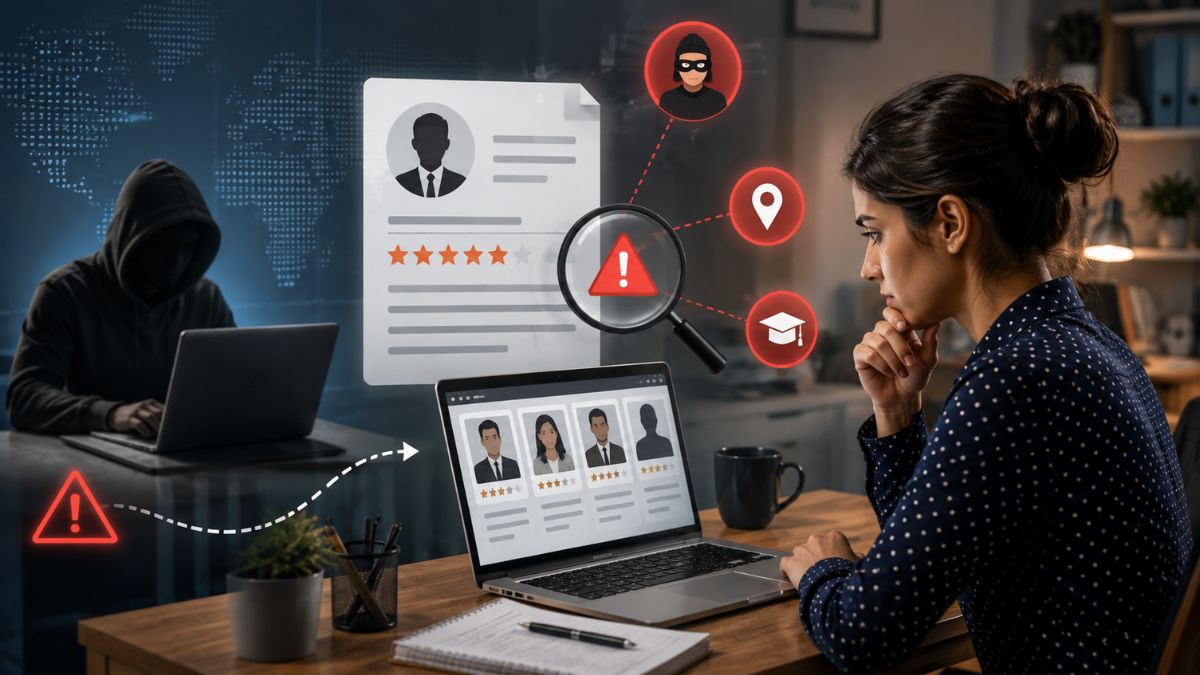



When you try to screen candidates faster red flags appear, right? Recruiters and hiring managers are under pressure to move quickly, yet they can’t afford to let a deal‑breaker slip through. In the next few minutes I’ll walk you through a proven framework that lets you screen candidates three times faster while still catching every red flag that matters.
What Counts as a Red Flag
Red flags are those little warning lights on a resume or in an interview that say “stop and think.” Think gaps longer than six months without explanation, bounce‑back job titles that don’t match the timeline, or a sudden shift from tech to sales with no bridge. In interviews, it’s the vague answer to “why did you leave your last job?” or a hesitation when you ask about team size.
Missing one of these can cost you a bad hire, a legal headache, or a churned employee. That’s why any fast‑screening method has to keep an eye on them.
Common Manual Screening Pitfalls
We all know the old “read every line” routine. It’s slow, subjective, and prone to fatigue. This challenge becomes even more significant when you consider that 38% of recruiter day wasted on low-value tasks, leaving less time for meaningful candidate evaluation and interviews.
Another trap? Relying on a single “fit” metric. You might love the candidate’s tech stack, but ignore the missing “team collaboration” cue hidden in the work history. The result is a hire that looks great on paper but falters in reality.
Tools That Accelerate Faster Resume Screening
- AI parsers like HireVue Resume AI that extract dates, titles, and skills in seconds.
- Keyword scoring engines – they flag low‑frequency terms such as “contractor” or “intern” when they appear unexpectedly.
- Consistency bots that cross‑check LinkedIn, GitHub, and personal sites for mismatches.
Tools like SmartMatch™ can cut the average review time from 15 minutes to 6 minutes, but you still need a process that ties them together.
Front‑load Automated Checks
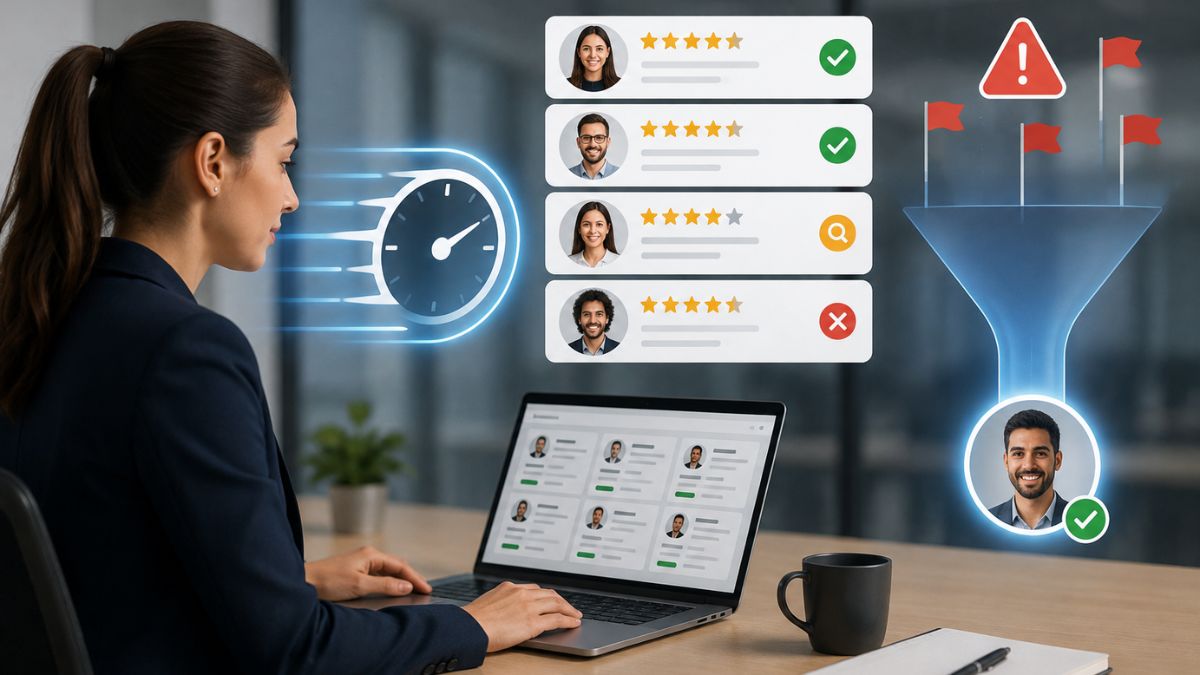
Start every candidate in the pipeline with a batch of automated checks, such as those offered by SmartScreen™. The AI parser pulls the data, the keyword scorer assigns a baseline risk score, and the consistency bot runs a quick cross‑reference. This is exactly how SmartShield surfaces red flags in 30 seconds so you can decide faster, allowing recruiters to prioritize the candidates who need closer review.
And it’s not just about speed. Automated checks surface hidden gaps – like a missing certification that the candidate left out of the cover letter. You catch that before you waste a recruiter’s time.
Integrated Severity‑Based Triage Model
Here’s where the magic happens: severity‑based triage. Assign each red flag a level – low, medium, or high – based on impact. A two‑month unexplained break is low, a falsified degree is high.
Our system automatically routes candidates: Many hiring teams also include knockout questions to filter 50% automatically, helping recruiters eliminate unqualified applicants before investing additional screening time.
Build a Verification SLA
A Verification Service Level Agreement (SLA) sets clear expectations for how fast flagged items get resolved. For example:
- Low‑severity flags cleared within 24 hours.
- Medium‑severity flags investigated within 48 hours, with a backup reviewer on standby.
- High‑severity flags escalated within 12 hours, with a final decision audit.
This SLA not only keeps recruiter productivity high, it also builds trust with candidates – they know you’re thorough yet swift.
Focus Human Review on Flagged Candidates Only
Now that the bots have done the heavy lifting, you only need to interview the handful of candidates with high‑severity flags. This is where your expertise shines. Following a standardized resume review checklist before the phone screen also helps ensure every recruiter evaluates candidates consistently before moving them to the next stage.
Because you’re only talking to, say, 5% of the original pool, your interview quality improves. You spend 30 minutes per interview instead of the usual 60, and you still catch every deal‑breaker.
Before/After Time Comparison
Let’s get real. Company X processed 1,200 applications for a sales role. Before implementing the framework, each screen took an average of 15 minutes. After: 5 minutes. That’s a 66% reduction, or a 3x speed‑up. Faster screening also plays a critical role in reducing time to fill, enabling hiring teams to secure top candidates before they accept competing offers.
Here’s a quick chart (illustrative):
| Metric | Before | After |
| Average screen time | 15 min | 5 min |
| Red flag detection rate | 78% | 96% |
| Candidate experience score | 3.4/5 | 4.6/5 |
Numbers speak louder than buzzwords. You’re not just faster; you’re smarter.
Real‑World Example of a Missed Red Flag
Last year a mid‑size tech firm hired a senior developer after a rapid screen that missed a high‑severity flag: the candidate’s LinkedIn showed a 2018 lawsuit for breach of contract. Because the recruiter relied on a manual skim, the warning never surfaced. Six months later the new hire left amid a similar dispute, costing the company $120k in legal fees.
Imagine if the consistency bot had flagged that LinkedIn entry – the interview would have probed it, and the firm could have avoided the loss.
Best‑Practice Checklist for Rapid Yet Thorough Screening
- Run AI parsing and keyword scoring on every resume.
- Assign severity levels to each flagged item.
- Apply the verification SLA to each flag.
- Use chatbot pre‑screens for medium‑severity cases.
- Reserve human interviews for high‑severity candidates only.
- Document every decision in an audit trail.
- Review SLA compliance weekly.
Stick to this checklist and you’ll consistently screen candidates faster red flags stay in view.
FAQ
Can automation replace human judgment?
No. Automation filters and highlights. Humans still decide on context, cultural fit, and final offer.
What about AI bias?
Choose tools that are transparent about their models. Regularly audit the severity scores to ensure fairness.
Is the Verification SLA legally compliant?
Yes, as long as you keep records of decisions and give candidates a chance to explain flagged items.
How much can I expect my recruiter productivity to improve?
Most firms see a 2‑3× boost – roughly 30 extra screens per day per recruiter.
Do I need to overhaul my ATS?
Not necessarily. Most modern ATS platforms allow plug‑in of AI parsers and workflow automations.
SmartShield: Your Partner in Speeding Up Hiring
If you’re ready to screen candidates faster red flags without sacrificing quality, give SmartShield a spin. Our suite bundles AI parsing, severity‑based triage, and a built‑in Verification SLA – all in one dashboard. Sign up for a free trial and watch your recruiter productivity soar.
Key Takeaways
Speed matters, but not at the expense of risk. By front‑loading automated checks, rating red flags by severity, and binding everything together with a clear Verification SLA, you can screen candidates faster red flags stay front and center. The result? 3x faster screens, higher detection rates, and a better candidate experience. Ready to transform your hiring pipeline? Let’s get started.