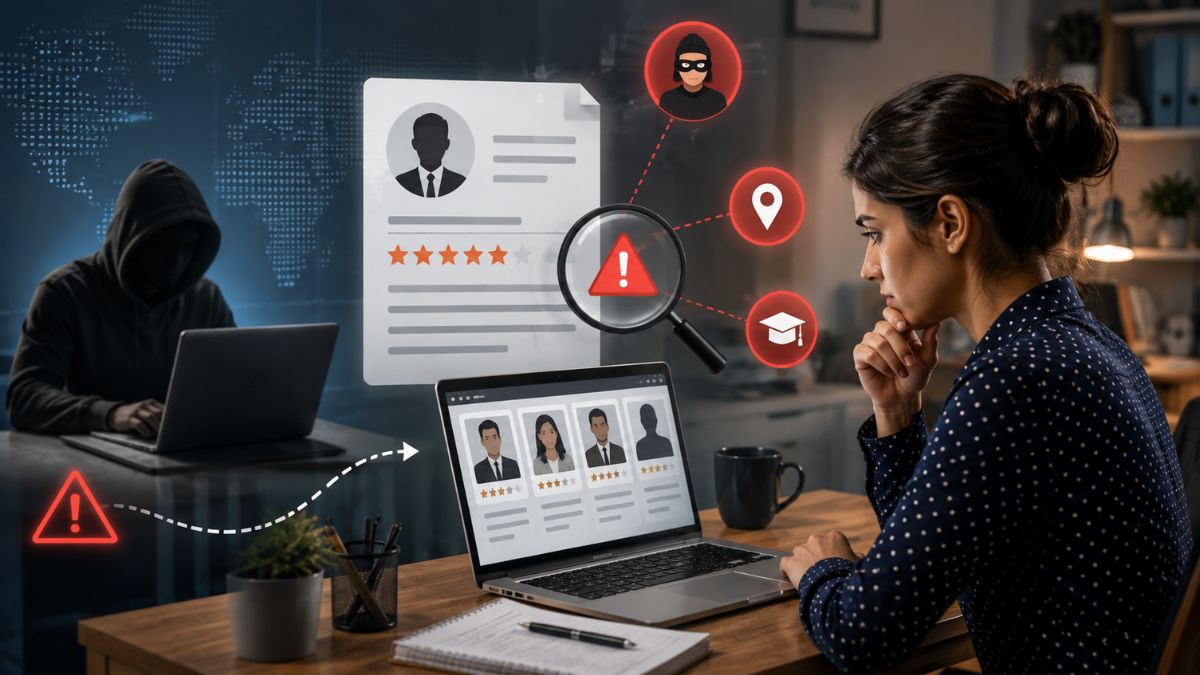







When you’re a recruiter, the phrase public records hiring recruiter legal probably pops up in your mind a lot. You want the data, but you also want to stay on the right side of the law. In this guide I’ll walk you through the types of public records you can actually check, where to find them, and how to do it without tripping over the FCRA or EEOC rules.
What Counts as a Public Record
First off, a public record is any document that a government agency files and makes available to the public. Think of it as the open‑door policy for information about businesses, professionals, and even court actions. It’s not a secret database—most of it is free or low‑cost, and it can be a goldmine for public records employment screening.
And yet, just because it’s public doesn’t mean you can use it willy‑nilly. The line between smart sourcing and illegal probing is thinner than you think.
Business Registration Records
These are the filings that show a company exists—articles of incorporation, annual reports, and the like. In a business record check hiring scenario they reveal ownership structure, registration dates, and sometimes even the names of key officers.
- Where to look: State Secretary of State websites, like the California Business Search or Texas Comptroller portal.
- Legal use: You can confirm a candidate’s claimed employer or verify that a contractor’s business is legit. But you can’t use it to discriminate based on the size of the company or its location. Understanding employment verification vs background check is also important, since confirming an employer's existence is only one part of the broader screening process and doesn't replace a comprehensive background investigation.
Real‑world example: I once screened a sales candidate who claimed to work for “EcoTech Innovations.” A quick visit to the state portal showed the entity was dissolved two years ago, prompting a deeper interview that uncovered a résumé stretch.
Professional License Databases
Many roles require a state‑issued license—nurses, engineers, real‑estate agents. Those databases are searchable, often for free, and they tell you if a license is active, expired, or suspended.
Now, the catch is that some states count a license check as a consumer report under the FCRA. That means you must get the applicant’s written consent before pulling the record.
- Where to find them: State licensing boards (e.g., the New York State Education Department for teachers).
- Permissible use: Verify that a candidate meets the statutory requirements for the role.
Accreditation Registries
Beyond licenses, many professions boast certifications—think PMP for project managers or Cisco CCNA for network admins. These are usually listed on industry association sites.
And if a candidate says they hold a certification, you can cross‑check the registry to see if it’s current. Missed renewals are a red flag, but they’re also a prompt to ask for proof rather than assume bad intent.
- Major sites: PMI for project management, CompTIA for IT credentials.
- Legal tip: Because most accreditation bodies aren’t covered by the FCRA, you don’t need a formal consent form, but a simple email asking “May I verify your certification?” keeps things transparent.
Web Archives
The Wayback Machine lets you peek at a company’s old website. You can see whether a startup has changed its business model or if a firm listed inaccurate contact info in the past.
But be careful: pulling historical data that reveals a candidate’s political affiliation or religious activity can land you in a discrimination claim. Stick to business‑related facts.
- How to use it: Compare a candidate’s claim of “rapid growth since 2015” with archived press releases.
- Legal boundary: Avoid using archived personal blogs or social posts unless the candidate has explicitly shared that info in a professional context.
Professional Network Profiles
LinkedIn is the king of professional networking, and most recruiters already skim profiles. The question is: how far can you go?
And yes, you can verify employment dates, endorsements, and education—but you must respect the platform’s terms of service. Bulk scraping or using third‑party tools to harvest data without permission is a no‑go, and for compliant resume triage, tools like SmartMatch™ help you surface top candidates quickly.
- Best practice: Send a connection request or a polite message asking for confirmation of a role.
- Privacy note: If a profile is set to private, treat that as a signal to ask the candidate directly rather than trying to circumvent the settings.
Questions like is it legal to research candidates online often come up at this stage, and the answer depends on using publicly available information responsibly while respecting privacy laws and platform policies.
Adverse Media Searches
Adverse media includes news articles, court filings, and even bankruptcy notices. A quick Google News search can surface a headline that changes everything.
But here’s the rub: just because something shows up online doesn’t mean it’s accurate or relevant. You need a process to evaluate the source, date, and context before letting it affect a hiring decision.
- Sources: LexisNexis, Google News, PACER for federal court documents.
- Ethical tip: Give the candidate a chance to explain any negative press before you make a final call.
Federal and State Legal Frameworks
The Fair Credit Reporting Act (FCRA) is the big one. If you outsource a background check to a third‑party screening agency, that agency is the “consumer report” provider, and you must give the applicant a copy of the report and a chance to dispute it.
And the Equal Employment Opportunity Commission (EEOC) says you can’t use any public record in a way that results in disparate impact. For example, using a criminal record check for all candidates might inadvertently screen out a protected class.
State laws add another layer. California’s “Ban the Box” law, for instance, bars you from asking about convictions until after a conditional offer is made. New York requires you to give a copy of any adverse media you rely on. Understanding what recruiters can and cannot check under federal and state laws is essential for building a screening process that is both thorough and legally compliant.
Data Privacy and Consent Requirements
Consent is the word you’ll hear a lot. For any check that qualifies as a consumer report, you need a clear, written authorization. A simple checkbox on your application isn’t enough; the language must be separate and conspicuous.
And keep the data you collect secure. The GDPR may not apply in the U.S., but many states—like Virginia and Colorado—have their own privacy statutes that demand you delete records you no longer need. Staying current with FCRA and consent requirements helps employers maintain compliant screening practices while reducing the risk of legal disputes during the hiring process.
Documentation and Record‑Keeping Best Practices
Every step should be documented. I keep a spreadsheet with columns for “Record Type,” “Source,” “Date Accessed,” “Consent Received,” and “Outcome.” This way, if a candidate ever asks, you have a paper trail.
But don’t over‑document. Only retain what’s necessary for the hiring decision and purge it after a reasonable period—usually 12 months unless you have a legitimate reason to keep it longer.
State‑Specific Restrictions You Can’t Ignore
California’s “Ban the Box” isn’t the only state rule. Illinois requires you to provide a copy of any criminal background report before taking adverse action. Massachusetts limits the use of credit reports to roles where they’re truly job‑related.
So before you launch a nationwide screening campaign, map out each state’s restrictions. A quick cheat sheet can save you from costly lawsuits.
Ethical Best Practices for Interpreting Adverse Media
When you stumble upon a negative article, ask yourself three questions: Is it verified? Is it current? Does it relate to job performance?
And always give the candidate a chance to respond. In one case, a recruiter flagged a candidate because of a 2013 bankruptcy. The candidate explained it was a small business that failed during the recession—irrelevant to the finance role he was applying for. The hiring manager decided to move forward.
Step‑by‑Step Workflow from Search to Decision
Step 1: Identify the need. Decide which public record type aligns with the role’s requirements.
Step 2: Get consent. Send a concise authorization form that spells out exactly what you’ll check.
Step 3: Pull the record. Use the official source—state portal, licensing board, or accredited archive.
Step 4: Review for relevance. Apply the “job‑related” filter. Discard anything that doesn’t directly impact performance.
Step 5: Document. Log the source, date, and result in your compliance tracker.
Step 6: Communicate. If you find adverse information, share it with the candidate and let them explain before you decide.
Step 7: Make a decision. Base the final hire on a balanced view of skills, experience, and the verified public data.
Frequently Asked Questions
Can I run a public record check without a candidate’s permission?
No. Anything that falls under the FCRA—most criminal, credit, and certain civil records—requires written consent. Even non‑FCRA data should still be collected transparently to avoid claims of invasion of privacy.
Are free databases reliable?
Many are accurate, but they can be outdated. Cross‑checking a free state business portal with an official filing fee service can catch discrepancies.
What if a candidate objects to a record check?
Respect the objection. Offer an alternative verification method or simply proceed without that piece of data, especially if it isn’t essential to the role.
Do I need a background‑screening vendor?
Not necessarily. For simple business or license checks, you can do it yourself. But for comprehensive reports that include criminal history, a vetted vendor ensures FCRA compliance.
How long should I keep screening records?
Generally 12 months after the hiring decision. Some states may require longer retention for audit purposes—always check local regulations.
SmartShield: Your Integrated Screening Solution
If you’re tired of juggling multiple portals, Tools like SmartShield™ offer a single dashboard that pulls business registration data, license verification, and adverse media into one compliance‑ready report. It automatically generates consent forms and stores audit logs, so you spend more time talking to candidates and less time worrying about legal footnotes.
Ready to simplify your public records hiring recruiter legal workflow? Click the button below to request a free demo and see how SmartShield keeps you both effective and safe.
Key Takeaways
And there you have it—public records can be a recruiter’s secret weapon, but only when you respect the legal lines drawn by the FCRA, EEOC, and state statutes. Use business registration records to verify employers, tap professional license databases for credential checks, skim accreditation registries for up‑to‑date certifications, and dip into web archives or adverse media only when the information is truly job‑related.
Remember to always secure written consent, document every step, and give candidates a chance to explain any red flags. By following this workflow and staying aware of state‑specific bans like California’s “Ban the Box,” you’ll build a hiring process that’s both thorough and compliant.
Now go ahead and turn those public records into smarter hiring decisions—without stepping on any legal landmines.